Roles
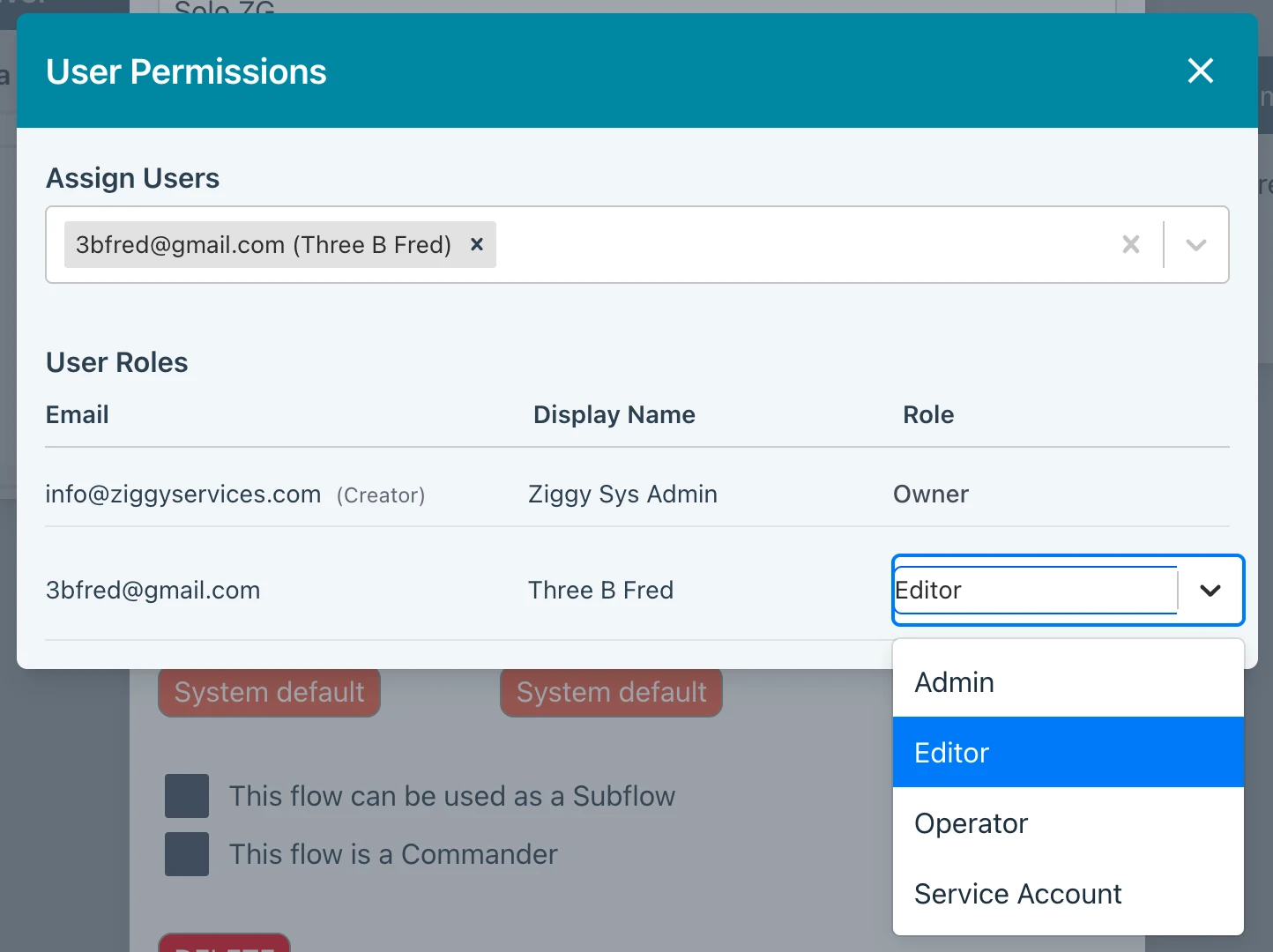
Roles control what users can do a the system level or when assigned to Flows, Connections, Secrets, Schedules and Messaging Items
-
Sys Admin - has access to everything in the entire Ziggy system. If you are running a multi-tenant platform, this means you can use the CLI to add organization, users, plugins etc. However, a Sys Admin cannot sign into an organization that it has not been invited to join.
-
Admin - within an organization, an Admin has all the rights of a SysAdmin but cannot access certain features in Global Settings such as SMTP settings, Housekeeping, System Monitor and Alerts.
-
Editor - can create Flows, Connections, Secrets, Schedules and Messaging Items. An Editor cannot access Global Settings. An Editor also cannot see Flows, Connections, Secrets, Schedules and Messaging Items created by others unless assigned by the owner as a User or as a Team member.
-
Operator - able to see Flows, Connections, Secrets, Schedules and Messaging Items in listings but cannot edit. This is useful for seeing Execution History items for Flows they are assigned to, for example.
-
Service Account - may not log into the Ziggy UI but can use the CLI.
-
Owner - this can be used to assign ownership for Flows, Connections, Secrets, Schedules and Messaging Items, enabling them to have full control. You cannot access this role from Global Settings.
System Wide
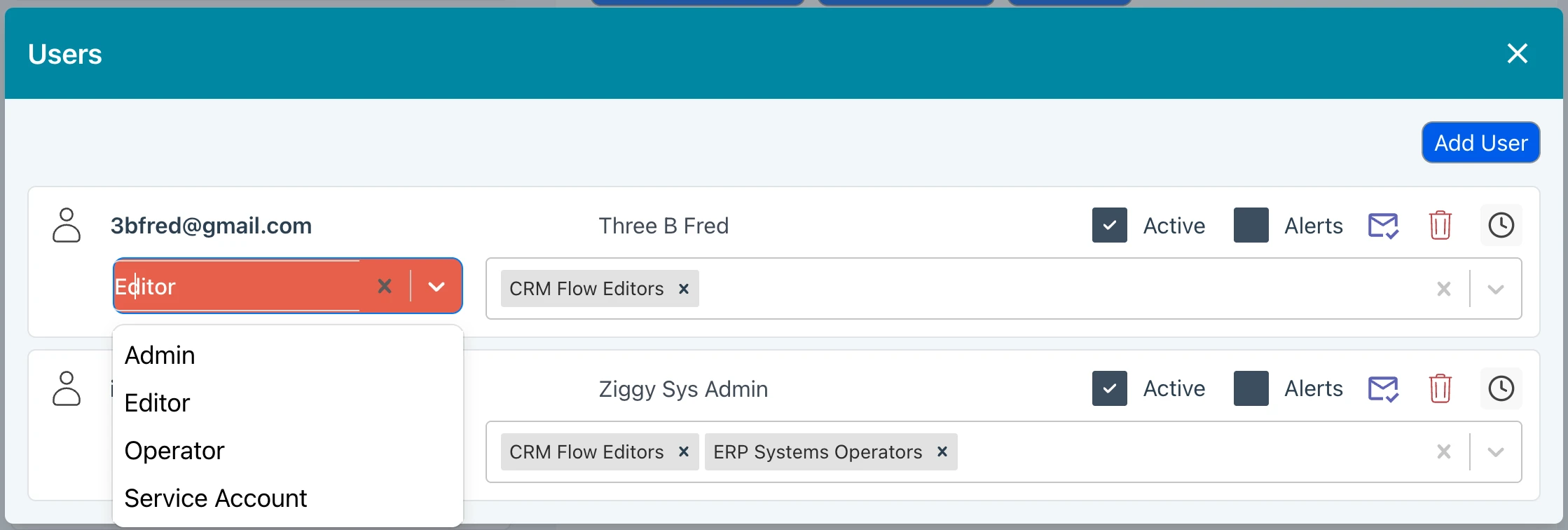
When assigning system wide roles in the Users screen, you assign roles as shown below.
Item Assignment
You can also assign a role to a user or team for Flows, Connections, Secrets, Schedules and Messaging Items.